
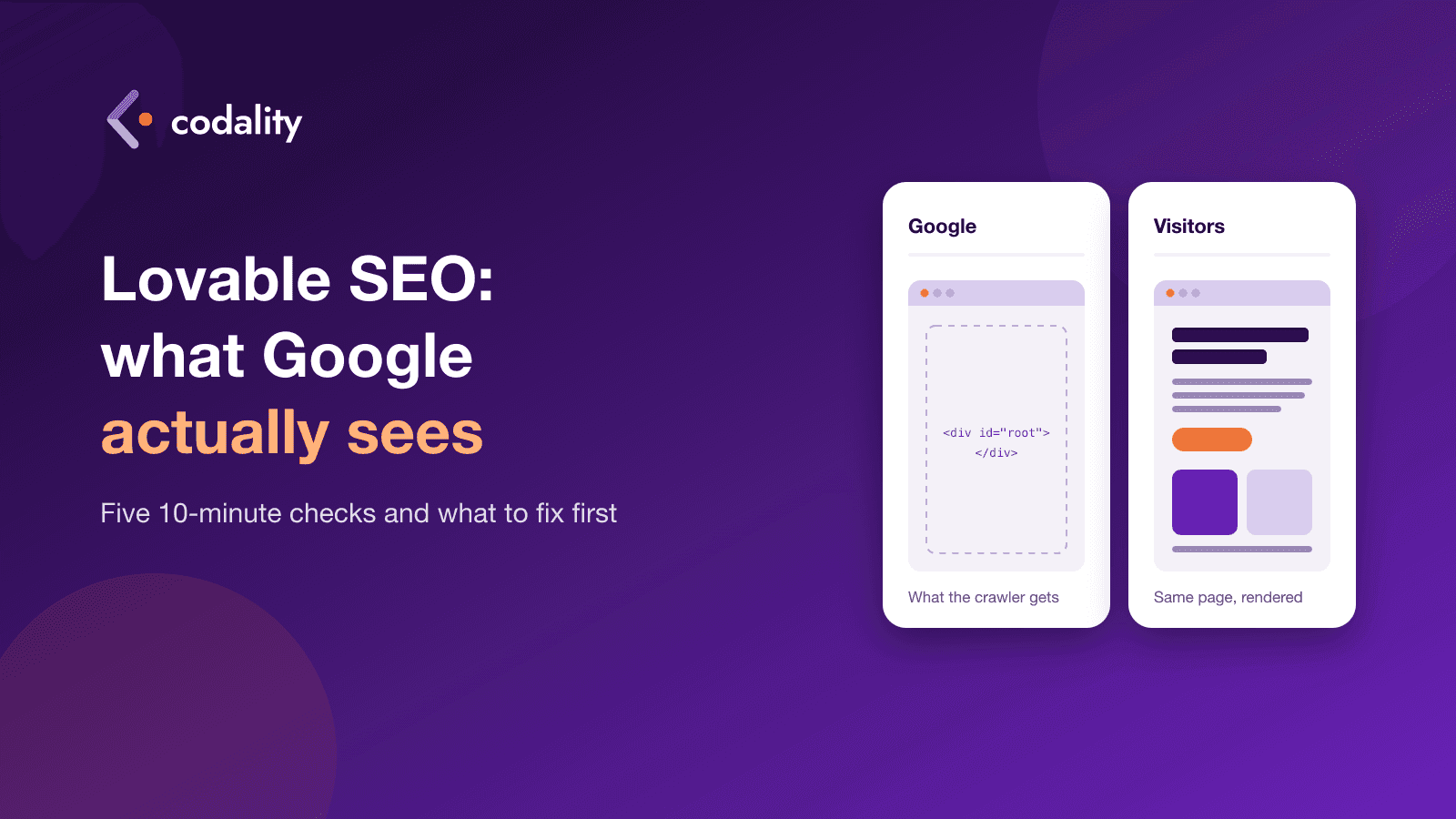
You built a site or a landing page in Lovable, connected a domain, published it, and waited. A month later Google still shows nothing when you search for your own product name. Or it shows the home page and none of the others.
There are two usual reasons, and they need different fixes. Either Google gets an empty page instead of your content, or Google gets the content and doesn't see a reason to rank it. The first is a rendering problem. The second is the ordinary SEO work every site needs. Five checks below tell you which one you have in about 10 minutes, without reading code.
Can Lovable do SEO in 2026?
Yes, mostly. The answer changed this year, which is why a lot of the advice you'll find online is out of date.
For its first years Lovable built every project as a single-page app: the server sent the browser an almost empty page, and JavaScript filled in the text afterwards. People saw a normal site. A crawler that didn't run the JavaScript saw a blank one. Google does run JavaScript, but as a separate step that comes later. Its own documentation says a page "may stay on this queue for a few seconds, but it can take longer than that", and still calls server-side rendering or pre-rendering "a great idea" because not all bots run JavaScript.
Here is what Lovable changed, per its SEO documentation and its announcement of the new stack:
- Projects created from May 13, 2026 (June 22 on Enterprise plans) are built on TanStack Start with server-side rendering. Every page arrives with its text already in it.
- Older projects stay on the old setup. Lovable pre-renders their pages on request, but only for crawlers it has verified: search engines, AI search bots, social link previews and some SEO tools. Your visitors still get the single-page app, and so does any SEO checker that isn't on Lovable's list.
- Older projects can be upgraded. There's a "Migrate to TanStack Start" action in project settings. Lovable's docs say most upgrades cost 10 to 35 credits, your live site doesn't change until you publish again, and you can roll back from version history.
- There's a built-in SEO & AI search review under More > Analytics > SEO & AI. It checks titles, descriptions, sitemap, robots.txt, structured data and indexing, and offers a "Try to fix all" button. It doesn't run again by itself when you publish.
- Keyword research from Semrush sits inside the chat. Lovable says it carries no extra fee through November 30, 2026, beyond normal credits.
So "can Lovable do SEO" now depends on two things: was the project created before or after May 13, and has anyone run the review.
Five checks you can do in ten minutes
You need the site address and Google Search Console. If you haven't set it up, do that first. It's free, and it's the one tool that shows what Google itself received.
- Ask Lovable which stack the project is on. Type "What stack is this project on?" in the project chat. Lovable's own troubleshooting page suggests exactly this. If the answer is React + Vite, you're on the old setup.
- Search for
site:yourdomain.comin Google. Count the results. Five pages live and 1 in Google tells you more than any SEO score. - Open
yourdomain.com/sitemap.xml. It should list every public page, with your real domain in each address. Lovable creates a robots.txt for every new project, but its docs say it doesn't always create a sitemap. - Run URL Inspection in Search Console on a page that isn't showing up. Click "Test live URL", then "View tested page". Look for your headline in the HTML. If it's there, Google can read the page. If you see a shell with no text, you have the rendering problem.
- Open three of your pages and read the browser tab titles. If they're all the same, or all say the product name and nothing else, Google has nothing to tell them apart by in results.
One warning on check 4. On an older project, use Search Console, not a free online SEO checker. Lovable serves the pre-rendered page only to tools it has verified. A checker that isn't on that list gets the empty app and reports a problem Google may not have. It works the other way too: a clean report from a checker doesn't prove Google sees the same thing.
What you can fix inside Lovable
If the checks found missing titles, a broken sitemap or a domain mix-up, you probably don't need a developer. These are settings and one-click fixes:
- Run the SEO & AI review and use "Try to fix all". It covers missing or placeholder titles, duplicate descriptions, sitemaps with wrong or relative addresses, robots.txt rules that block crawlers, and canonical links pointing at the wrong domain. Fixes use normal Lovable credits.
- Run it again after you publish. It won't rerun on its own, and a review from before the last publish can be stale.
- Pick one primary domain. Lovable lets you connect several and redirects the rest to the primary. After any domain change, verify the new domain in Search Console and submit the sitemap there.
- Give each page its own title and description. Write them in plain words people would type. "Pricing" is weak. "Pricing for [your product], plans from [price]" tells Google what the page is for.
- Upgrade an older project. If check 1 said React + Vite and search traffic matters to you, the built-in upgrade is the cheapest way to server-side rendering. Test every page afterwards before you publish.