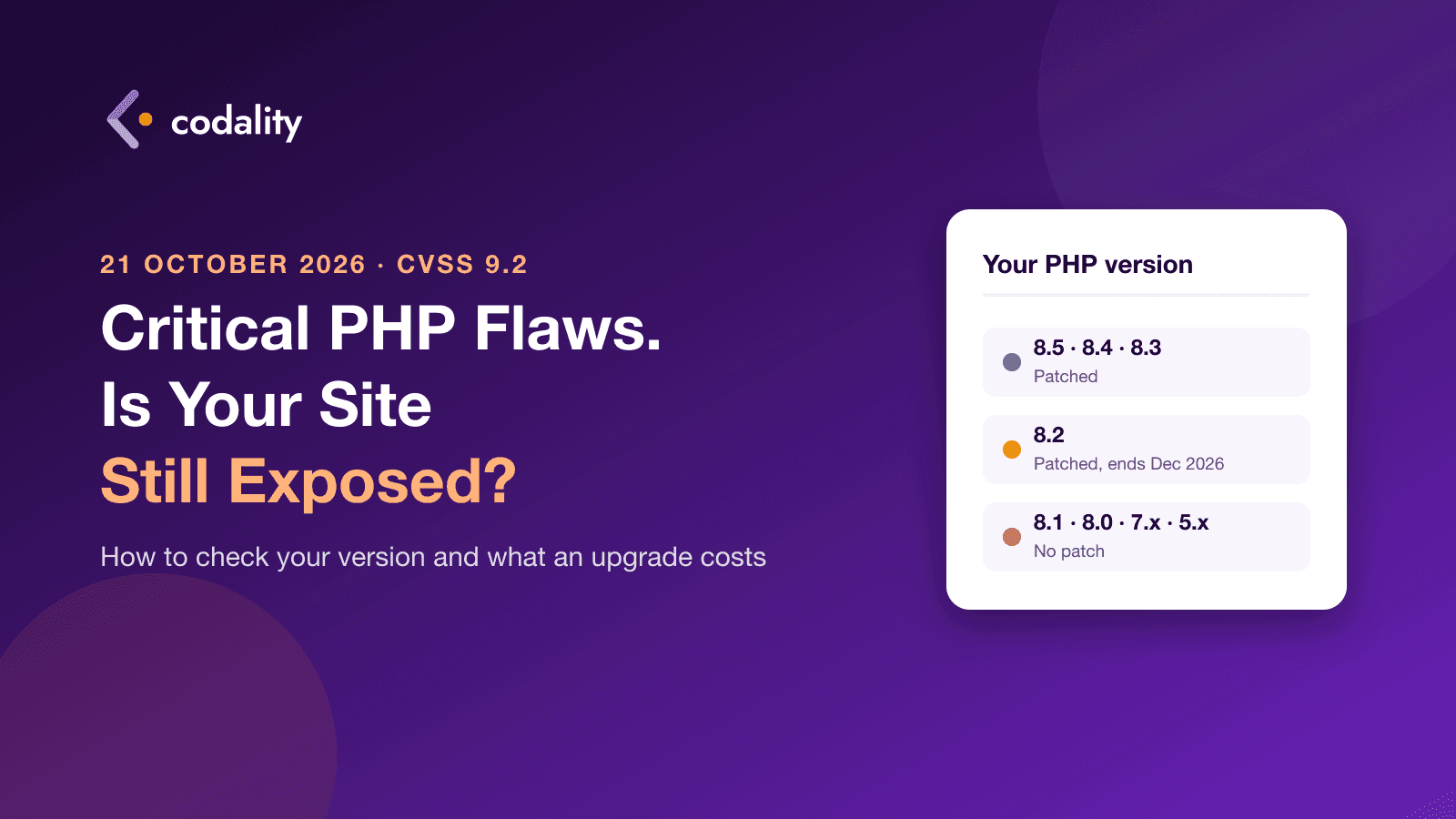
On 21 October the PHP project released four security updates at once and said something it rarely says: "There are no complete mitigations, updating is the only safe choice." The EU's computer emergency team rated the two flaws 9.2 out of 10 and noted that working exploits are already circulating.
If your website is on WordPress, WooCommerce, Laravel, Magento, Drupal or almost any custom-built site from the last fifteen years, it runs on PHP. This post is for the owner of that site, not the developer: what happened, how to check whether you're exposed, and what it costs to fix.
What happened, without the jargon
PHP is the language behind about 69% of websites. Two bugs were found in the part of it that handles things like file uploads and errors. Chained together, they let someone send a specially shaped request to your site and run their own code on your server. No password, no login, no plugin needed. From there they can read your database, plant a backdoor or redirect your payments.
The fixes are in PHP 8.5.12, 8.4.27, 8.3.36 and 8.2.35. If your site runs one of those branches, the fix is a routine update and your host may already have applied it.
Why a third of sites can't just update
The patch only exists for versions PHP still supports. PHP 8.1 and everything older reached end of life and get nothing. According to W3Techs, PHP 7 still runs 26.9% of PHP sites and PHP 5 another 7.7%. Add the sites on 8.0 and 8.1, and well over a third of the PHP web has a critical hole with no official patch.
Those sites didn't do anything wrong. They were built, they worked, and nobody had a reason to touch them. That's exactly the kind of site this week's news is about.
One more date to know: PHP 8.2 stops getting security fixes on 31 December 2026. If you update to 8.2 today, you'll be back here in ten weeks.
Find out what you run, in two minutes
You don't need a developer for this step.
- WordPress: log in, open Tools, then Site Health, then the Info tab, then Server. The PHP version is listed there.
- Any hosting panel (cPanel, Plesk, Hostinger, SiteGround and the like): look for "PHP version" or "Select PHP version" in the dashboard.
- Ask your host. One line to support: "Which PHP version is my site on, and has the 21 October security update been applied?"
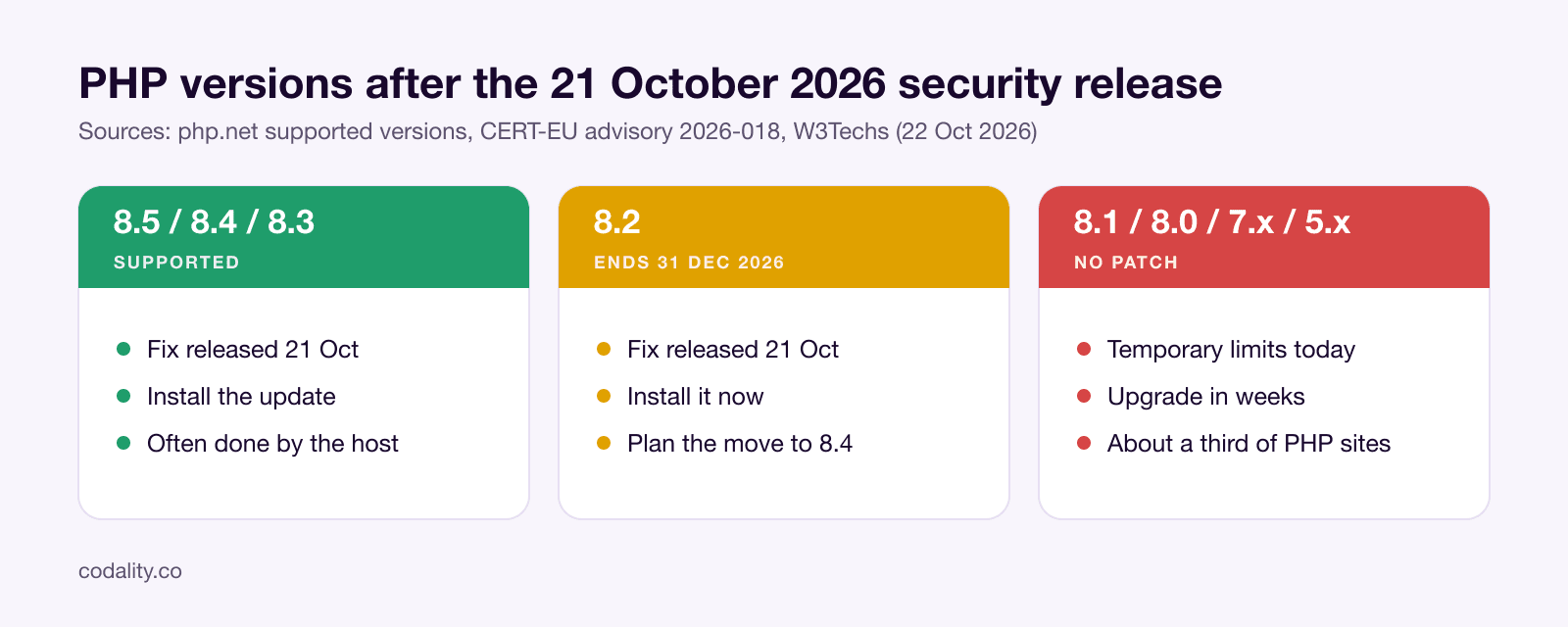
Then read the number against this table:
| Your version | Status | What to do |
|---|
| 8.5, 8.4, 8.3 | Supported | Make sure the 21 October update is installed. Usually a click, or already done by the host |
| 8.2 | Patched, but ends 31 Dec 2026 | Install the update now, plan the move to 8.4 before December |
| 8.1, 8.0, 7.x, 5.x | No patch | Apply temporary limits today, upgrade in the coming weeks |
If you're on an old version: this week
An upgrade takes planning. Until it's done, there are three things a developer or your host can do in an hour that make the attack much harder. They're not a fix, and the PHP team says so, but they close the easiest routes:
- Limit the size of requests the site accepts, so the oversized uploads the attack relies on are rejected before PHP sees them.
- Turn off the upload progress feature in PHP settings. Almost no site uses it.
- Make sure the site doesn't crash on ordinary errors and timeouts, since the second flaw rides on those crashes.
Some Linux distributions have also published backported fixes for old PHP packages. If your server runs Ubuntu, Debian or Red Hat, ask whoever manages it whether a patched package is available. That buys time. It doesn't change the fact that the version is out of support.
What an upgrade involves
Moving from PHP 7.4 or 8.0 to 8.4 isn't a button. Some code that worked on the old version fails on the new one, and old plugins and libraries may not have a compatible release. The work is in finding those spots before your customers do.
At our rate of $40 an hour, here's what it typically takes:
| Site | Work | Hours | Cost |
|---|
| WordPress or WooCommerce on a standard theme | Copy the site, switch PHP, test every page and checkout, replace plugins that break, switch the live site | 6 to 16 | $240 to $640 |
| Custom site or app on Laravel, Symfony or similar | Update the framework and libraries step by step, run and fix tests, test the flows that matter, deploy | 20 to 80 | $800 to $3,200 |
| Legacy custom PHP, no framework, PHP 5 or early 7 | Audit first; parts of the code usually have to be rewritten. The audit says how much | from 80 | from $3,200 |
The spread inside each row is about plugins and custom code. A WooCommerce shop with forty plugins and a page builder sits at the top of its range; a brochure site with five plugins sits at the bottom.
Two things we'd push for in any upgrade: go to 8.4, not 8.2, so you're not doing this again in December; and leave with a copy of the site where updates can be tested before they touch the live one. The second part is why the next security release will be a routine job, not a week like this one.
What to do today
- Find your PHP version. Two minutes, instructions above.
- If it's 8.2 or newer, confirm the 21 October update is installed.
- If it's older, ask your host or developer for the temporary limits today and book the upgrade.
- Whatever the version, check that you have a recent backup you could actually restore.
If you'd rather someone else did the checking, send us the site address below. We'll tell you what it runs, whether the update is in place, and what an upgrade would cost. The check is free and takes us less time than reading this post took you.
Planning a product?
See what your first version would cost
Pick the features you need and get a price range and timeline in under a minute. No call, no sign-up.