
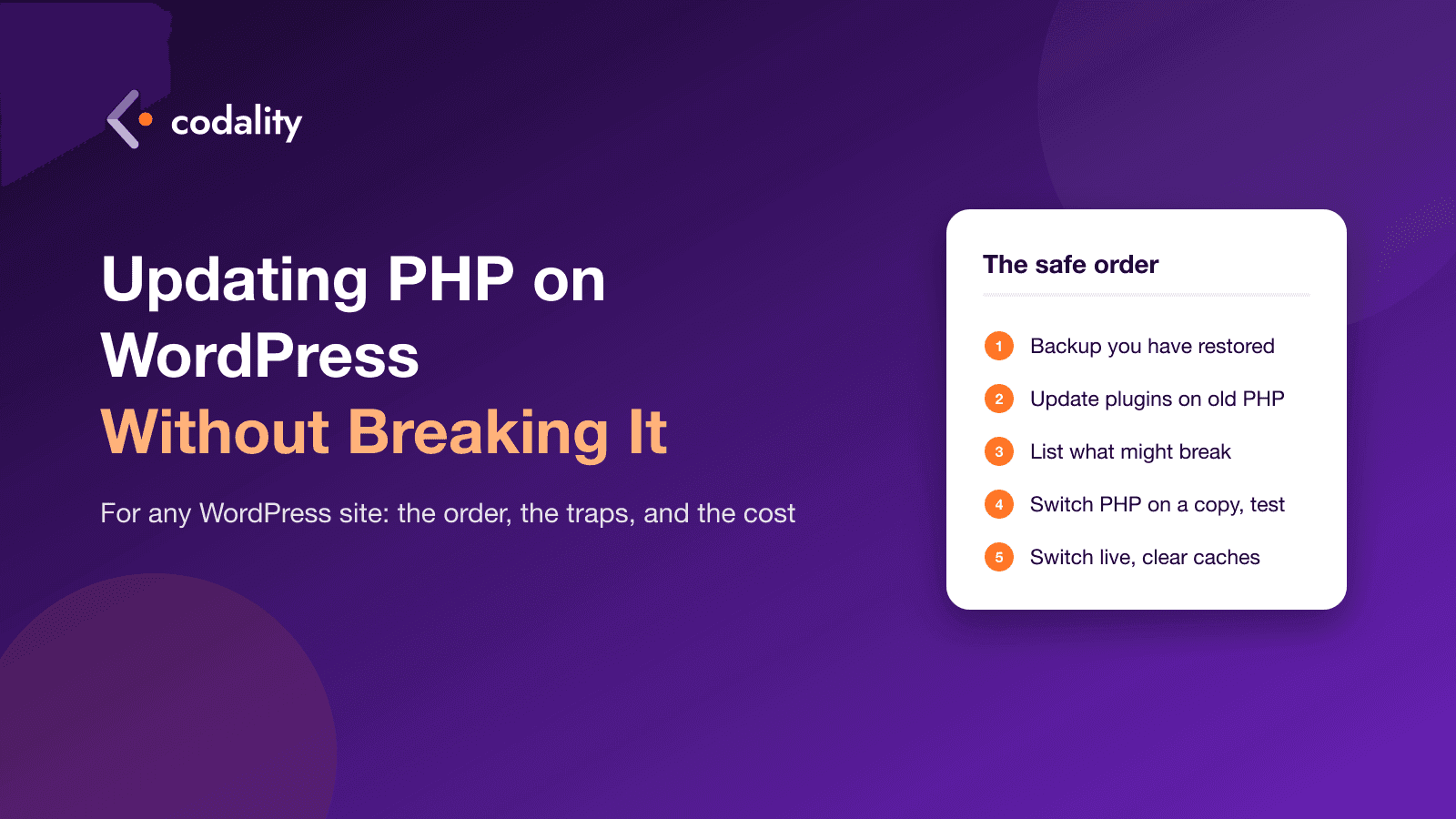
Last week's critical PHP vulnerabilities sent a lot of WordPress owners to their hosting panel for the first time in years. The panel has a dropdown called "PHP version". It looks like the whole job. It isn't.
Switching the dropdown takes ten seconds. The work is everything that decides whether the site is still standing ten seconds later: the plugins, the theme, the bits of custom code someone added in 2019 and forgot. This is the order we follow when we do it for clients, the traps that catch most sites, and when it's fine to do it yourself.
Pick the version first
WordPress recommends PHP 8.3 or newer, and the core team's compatibility table marks WordPress 6.7 and up as working on 8.3 and 8.4, with 8.5 supported from WordPress 6.9.
Our advice: go to 8.4. Not 8.2, because it stops getting security fixes on 31 December 2026 and you'd be doing this again in two months. Not 8.5 yet, unless every plugin you rely on explicitly says it's ready. 8.4 gets security updates until the end of 2028.
If you run WooCommerce: its official minimum is still PHP 7.4, but the team recommends 8.3 or newer and is raising the floor. The shop itself is not the problem. Its payment and shipping extensions are, and we'll get to those.
Step 1: a backup you have actually restored
Everyone has a backup. Far fewer people have ever restored one. Before anything else, take a full copy, files and database, and restore it somewhere, even if only to a staging copy on the same host. If the restore works, you have a safety net. If it doesn't, you've just learned that at the cheapest possible moment.
Step 2: update everything while you're still on the old PHP
Counterintuitive, but important. Update WordPress core, the theme and every plugin first, on the PHP version you have now. The fixes that make a plugin work on PHP 8 live in its newer releases. If you switch PHP first and then update plugins, you're debugging two changes at once and won't know which one broke the checkout.
Two things will surface at this step, and both are good to know early:
- Plugins that can't be updated. Premium plugins with an expired licence, or ones bought as a one-off from a marketplace years ago. They'll show "update available" with no button, or no update at all.
- Plugins that are abandoned. Open each one on wordpress.org. If the last update was two or more years ago and it says "untested with your version of WordPress", treat it as a risk.
Step 3: find what will break before it breaks
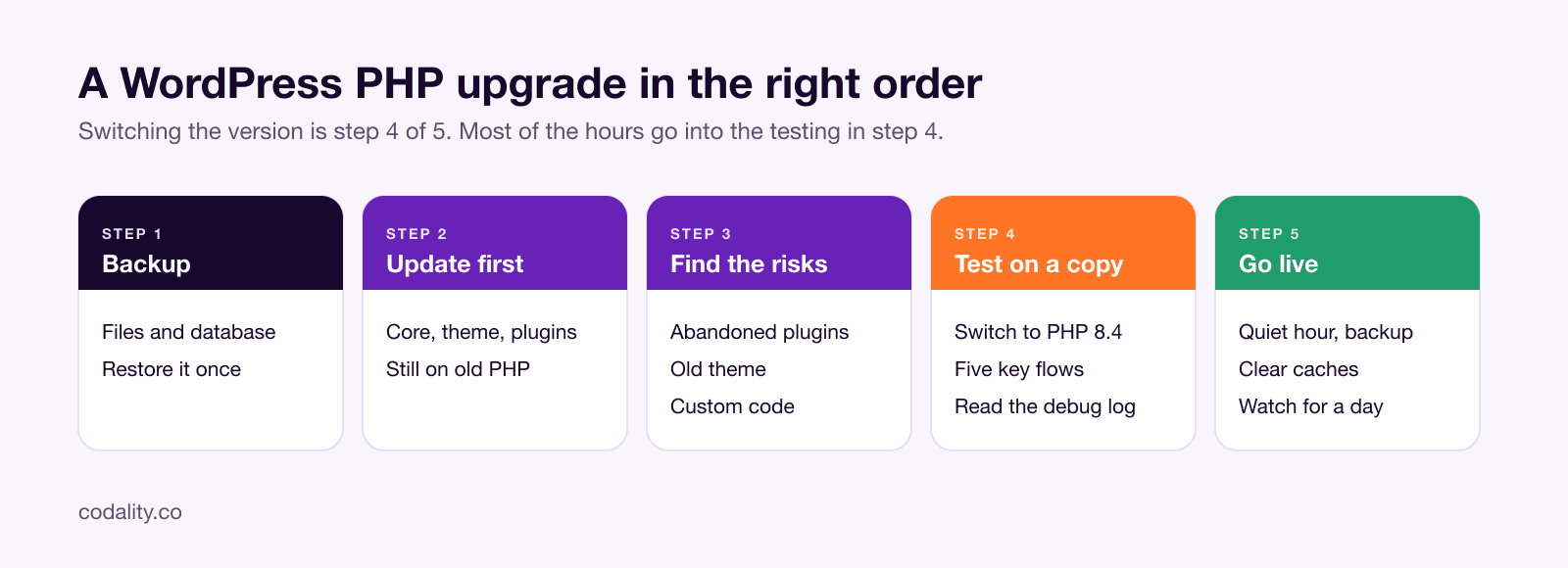
Make a list of everything that isn't WordPress itself: plugins, the theme, a child theme if there is one, and any custom code in functions.php or a "code snippets" plugin. For each item, answer one question: has it been updated in the last year?
Then look at what the site actually does. Write down the five flows that matter for yours. For a company site: the home page, the page that brings in enquiries, the contact form, the blog, logging into the admin. For a shop: add the product page and checkout. For a booking or membership site: the booking form and the member login. Those are what you'll test.
There's a plugin called PHP Compatibility Checker that scans code for known problems. It's worth running, but it misses a lot and flags things that are fine, so treat it as a hint, not a verdict. The real test is step 4.
Here's what catches most sites, in rough order of how often we see it:
| Trap | What happens | What to do |
|---|---|---|
| Theme bought in 2015 to 2019, never updated | White screen or broken layout on PHP 8 | Check for an update; if none, budget for fixing the theme or replacing it |
| Abandoned plugin | A page or feature silently stops working, or the whole site goes down | Replace it with a maintained one before the switch |
Custom code in functions.php | Fatal error on load, often from a function removed in PHP 8 | Have a developer read it; usually a few lines to fix |
| Payment or shipping extension for WooCommerce | Checkout works until the customer pays, then errors | Update to the latest version and run a test order on the copy |
| Page builder (Elementor, WPBakery, Divi) add-ons | Builder loads, specific widgets break | Update the builder and every add-on; add-ons lag behind |
Old caching rules in .htaccess | Panel says 8.4, site still runs the old PHP | Remove the old handler lines; your host can confirm which PHP actually runs |
| Site shares a server with other sites | Changing PHP changes it for all of them | Check the panel: per-site or server-wide setting |