
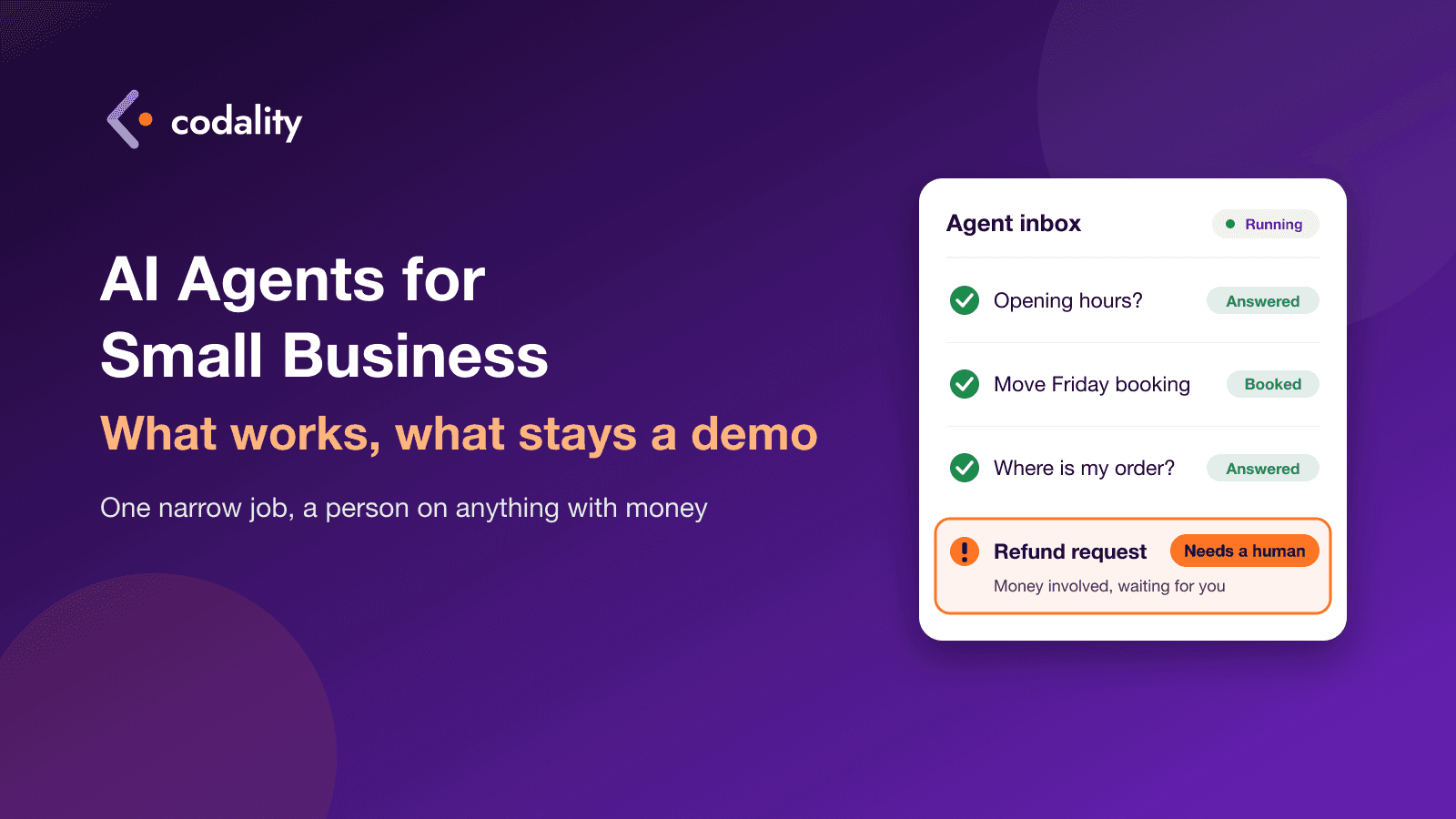
The demo is always impressive. Someone types "a customer wants to move her Friday appointment" and the agent checks the calendar, finds a slot, sends a polite message and updates the booking. Another one answers product questions, applies a discount and processes a return without anyone touching a keyboard. It looks like a new employee who never sleeps.
Then you try it on your own business and it falls apart somewhere around week two.
In a three-week slice of Upwork job posts we read this autumn (29 September to 19 October 2026), one post asking for "an agent that runs my store" collected 272 proposals. Another asked for an agent for beauty salons and got 137. And a quieter request kept showing up in different words: make the integration keep working after the demo. That last one is the real story. Owners are being sold an agent that does everything, and what they need is one that keeps doing one thing right.
This is what we tell clients who ask us about AI agents: what works today, what doesn't yet, and how to start without wasting a quarter's budget.
What "agent" means here
Forget the marketing for a minute. For a small business, an AI agent is software that reads something (an email, a chat message, a PDF), decides what it is, and then does something with it in your tools: writes a reply, fills in a record, books a slot, passes it to a person.
The useful question isn't "is it an agent?" It's how much it's allowed to do on its own. Think of it as a scale:
- It suggests. It drafts a reply or fills in a form, and a person clicks send or save.
- It acts on low-risk things. It answers a question about opening hours or tags an email, and nobody checks every single one.
- It acts on things that cost money. Refunds, discounts, orders, payments, cancellations.
Most of the value for a small business today sits at levels 1 and 2. Most of the demos you've seen are at level 3.
Jobs agents handle reliably today
These are the tasks where we'd expect an agent to earn its keep in 2026, as long as it's built carefully and checked on your real data first.
Answering inbound questions from your own content. Prices, opening hours, delivery times, what's included in a service, how to prepare for an appointment. The agent answers from your website, help pages and price list, says "I don't know" when the answer isn't there, and hands the conversation to a person with the history attached. For a salon that's the 11 p.m. message asking whether you do balayage on short hair. For a store it's "do you ship to Austria?"
Sorting email and leads. New enquiry, complaint, invoice, supplier spam, job application. The agent reads each one, tags it, routes it to the right person and adds new leads to your CRM with the details filled in. Nobody has to read 80 emails to find the 6 that matter.
Drafting replies for a person to approve. The agent writes a first draft in your tone, using your policies, and someone on your team edits and sends it. It's slower than full automation, but it's often the step that saves the most time with the least risk.
Pulling data out of documents. Supplier invoices, order forms, delivery notes, signed contracts. The agent reads the PDF or the photo and puts the numbers into your accounting tool or a spreadsheet, and flags anything it isn't sure about. Your team stops retyping and only checks the exceptions.
Booking and rescheduling through your calendar. If your booking system has a proper connection for outside software (many popular ones do, some don't), an agent can offer open slots, book, move and confirm appointments by chat or email. It works best when the rules are clear: service length, who does what, how much notice you need.
What these jobs have in common: the input is text, the right answer can be checked against something you already have, and a mistake is cheap to catch.
What still fails outside the demo
Acting alone on money. Refunds, discounts, price changes, cancelling or editing orders. An agent can be talked into things a trained employee wouldn't do, and it can misread your policy with total confidence. In 2024 a Canadian tribunal ordered Air Canada to honour a refund policy its website chatbot had described wrongly; the airline argued the chatbot was responsible for its own words, and the tribunal said it was still just part of the airline's website. Your agent's answers are your answers. Keep a person on anything that moves money, at least until you've watched hundreds of its decisions.
Long chains of steps across many tools. "Check the stock, reorder from the supplier, update the store, email the customer, log it in the sheet." Even if each step works almost every time on its own, the errors stack up, and somewhere in step four something odd happens that nobody notices for a week. Anthropic, one of the major model makers, says the same in its own guide to building agents: autonomy brings higher costs and the potential for compounding errors, and the simplest solution is often not an agent at all.
Anything where a wrong answer is expensive. Medical or legal questions, allergy information, contract terms, anything a customer might rely on and later dispute. The agent can help a person answer faster. It shouldn't answer alone.
"Run my store." This is the 272-proposal request, and it's several projects pretending to be one. Customer service, stock, pricing, marketing and refunds each need their own rules, data and checks. Built as one agent, it's a demo. Built as five small pieces, introduced one by one, some of it becomes real.
Why demos break after launch
A demo runs on clean examples, one test account and a developer watching. Real life has none of those. Here's what usually goes wrong in the first month.
Your data is messier than the demo. The price list on the website is from March, the PDF on the shared drive is from June, and the real prices are in someone's head. The agent will quote whichever one it finds. Before launch, someone has to decide which source is the truth and clean it up.
Connections and permissions. The agent needs access to your inbox, calendar, store or CRM. Logins expire, a tool changes how its connection works, or the agent was given an admin key that lets it do far more than it should. Each connection is a small integration with all the usual problems, the ones we described in what breaks in an API integration after launch.
Edge cases. The customer who writes in two languages, attaches a screenshot instead of text, asks three questions in one message, or is quietly furious. The demo never met them. Your inbox meets them every day.
Nobody is watching. Without a simple log of what the agent said and did, problems surface as an angry review two weeks later. Someone should be able to open a list of yesterday's conversations and see which ones went wrong.
The bill creeps up. You pay the model provider for every message the agent reads and writes. Long conversations, big documents and agents that call the model several times per task all add up. A cost that looked like pocket change in testing can grow quietly with traffic, so set a monthly limit with the provider from day one.
It's the same pattern we see with apps built in AI builders: the first version comes together quickly, and making it hold up with real users is the actual job. We wrote about that in taking a Lovable or Bolt prototype to production.
How to start without wasting money
- Pick one narrow task. Not "customer service". Something like "answer questions about prices and opening hours on the website chat" or "pull totals and due dates from supplier invoices into the accounting tool". If you can't describe the task in one sentence, it's too big.
- Count what it costs you now. How many of these come in a week, and how long each one takes a person. That's your baseline, and it tells you whether an agent is worth building at all. Sometimes the honest answer is a better FAQ page or a plain email rule.
- Collect real examples. 50 to 100 real emails, chats or invoices from the last few months, including the awkward ones. This is what the agent gets tested on before a single customer sees it.
- Keep a person in the loop. Start at "it suggests, a person approves". Once you've seen a few weeks of its work and you trust a category of answers, let it handle that category alone. Never start the other way round.
- Measure for a month. How many it handled, how many a person had to fix, what it cost the provider, how many hours your team got back. Then decide whether to widen it, keep it or switch it off.
If you're comparing developers for this kind of project, ask each one what happens when the agent gives a wrong answer, and how you'll see it. A good answer is specific. We covered other questions worth asking in how to choose a developer when you get 100 proposals.